
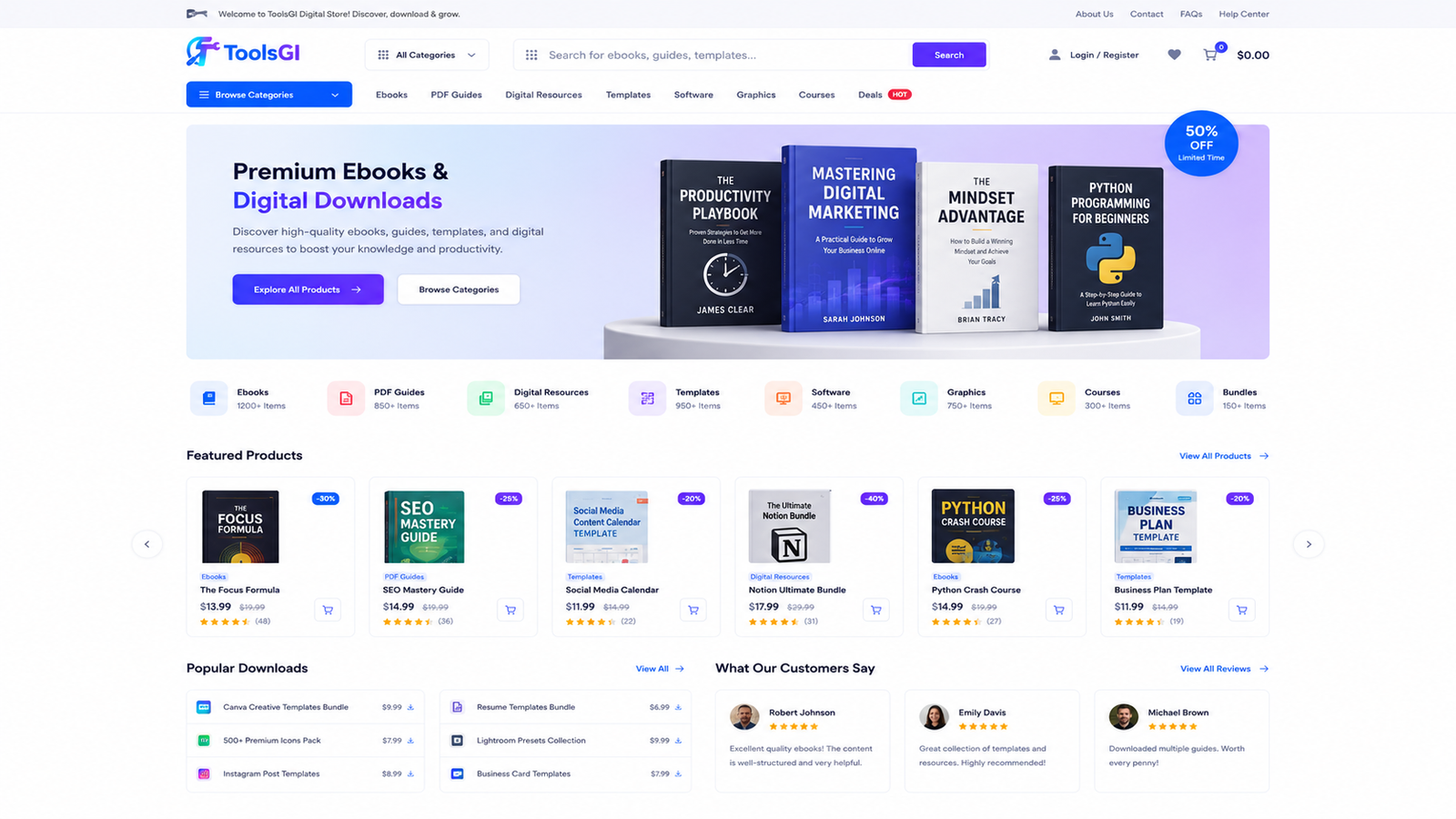
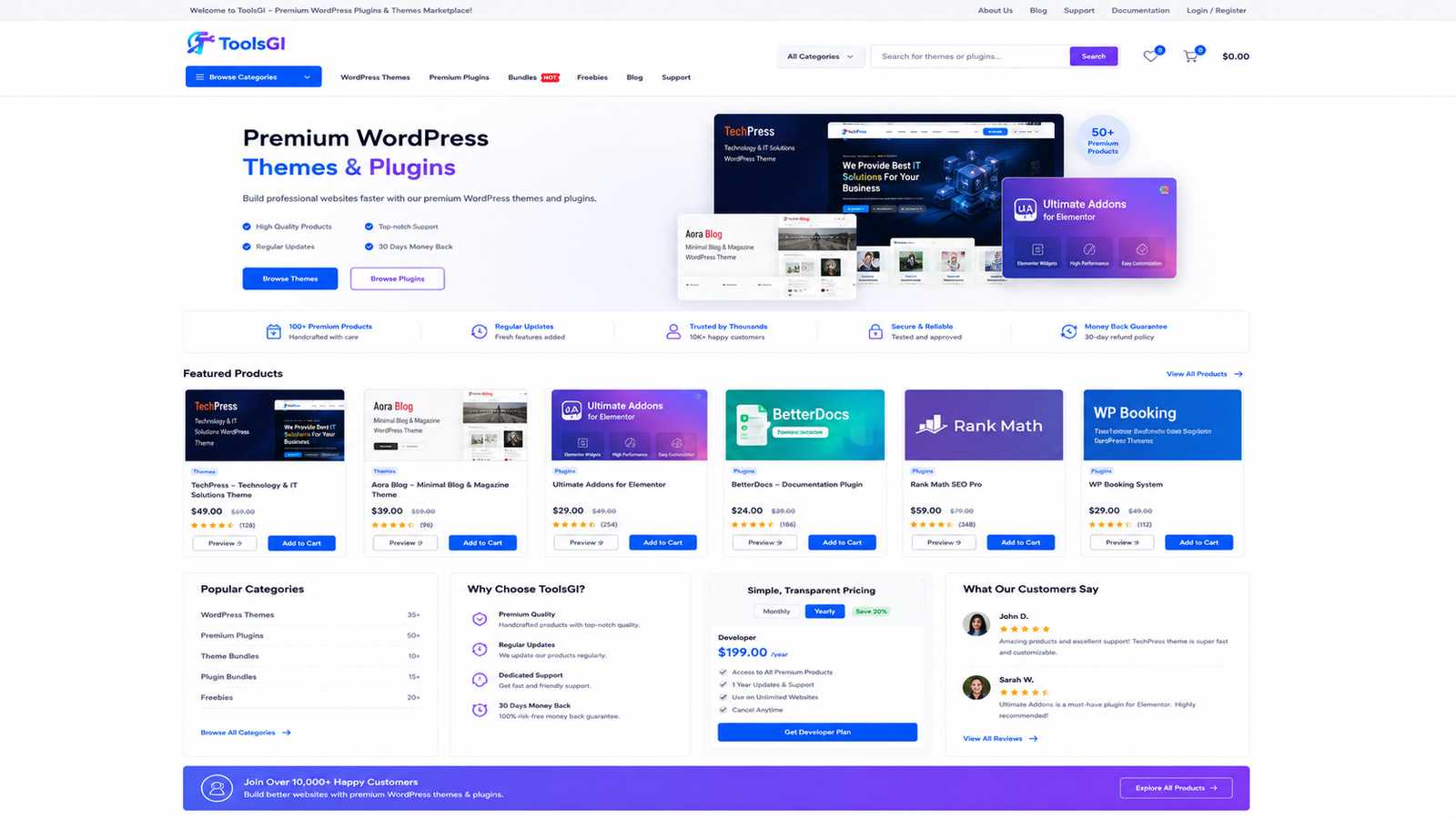
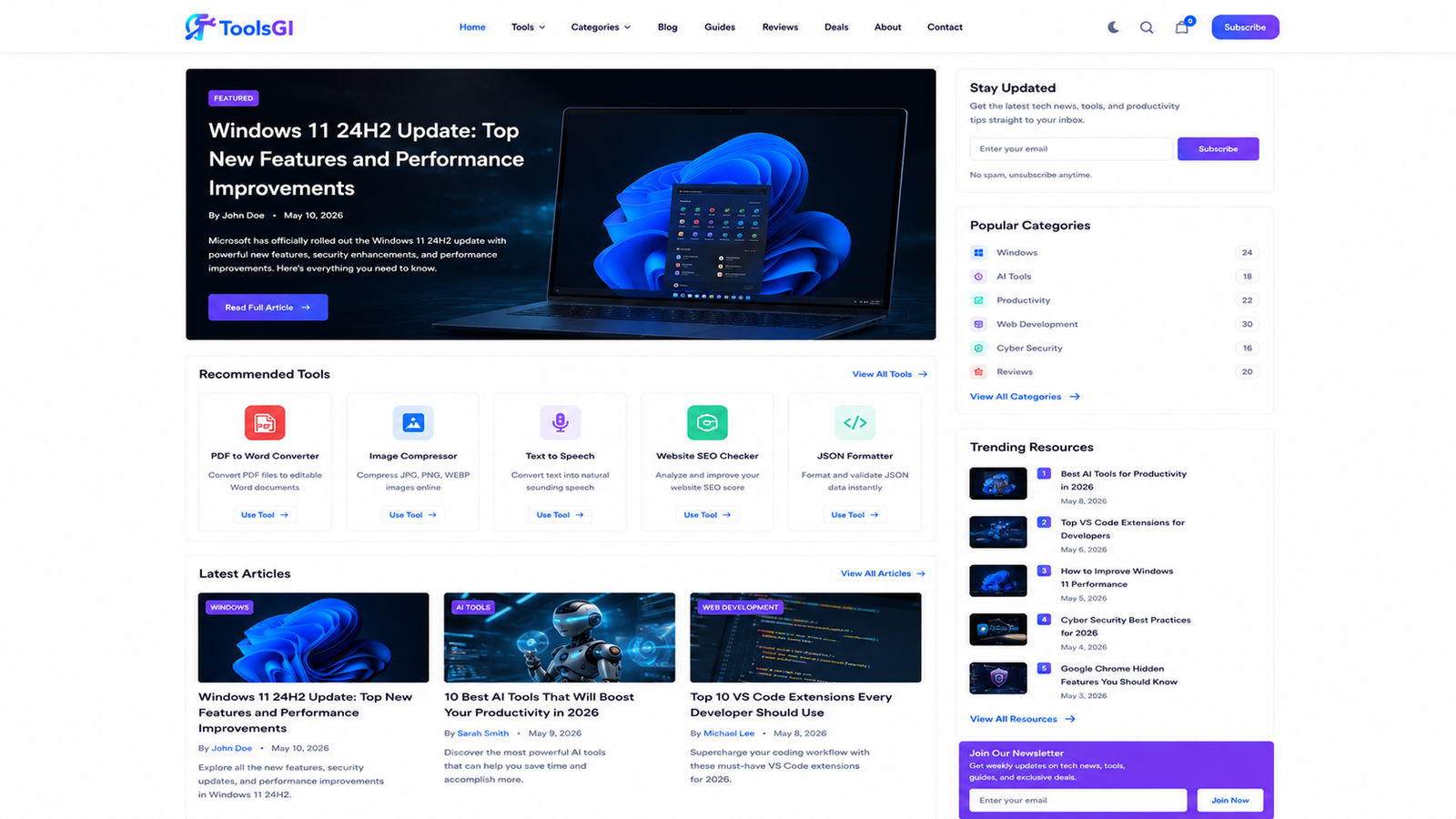
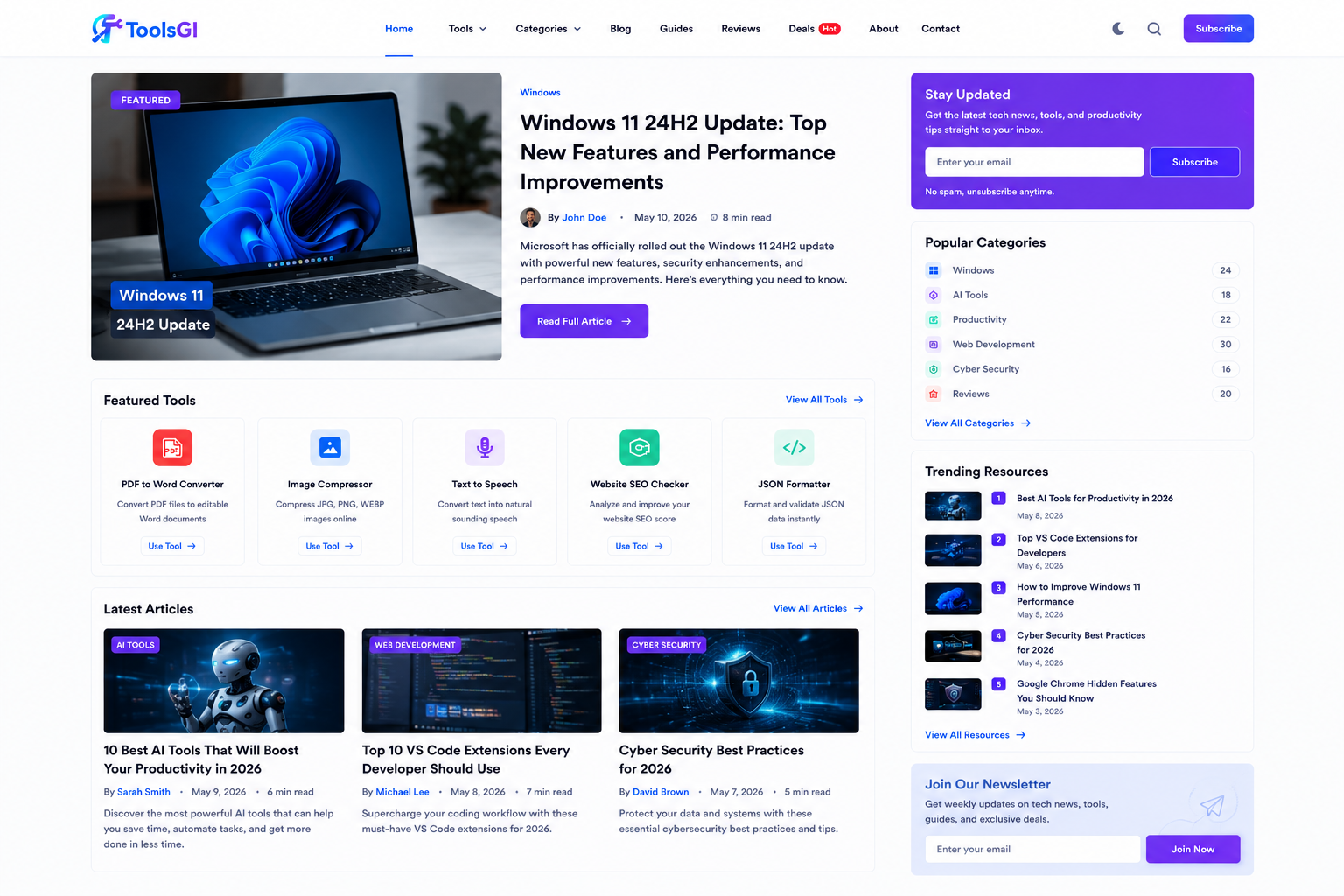
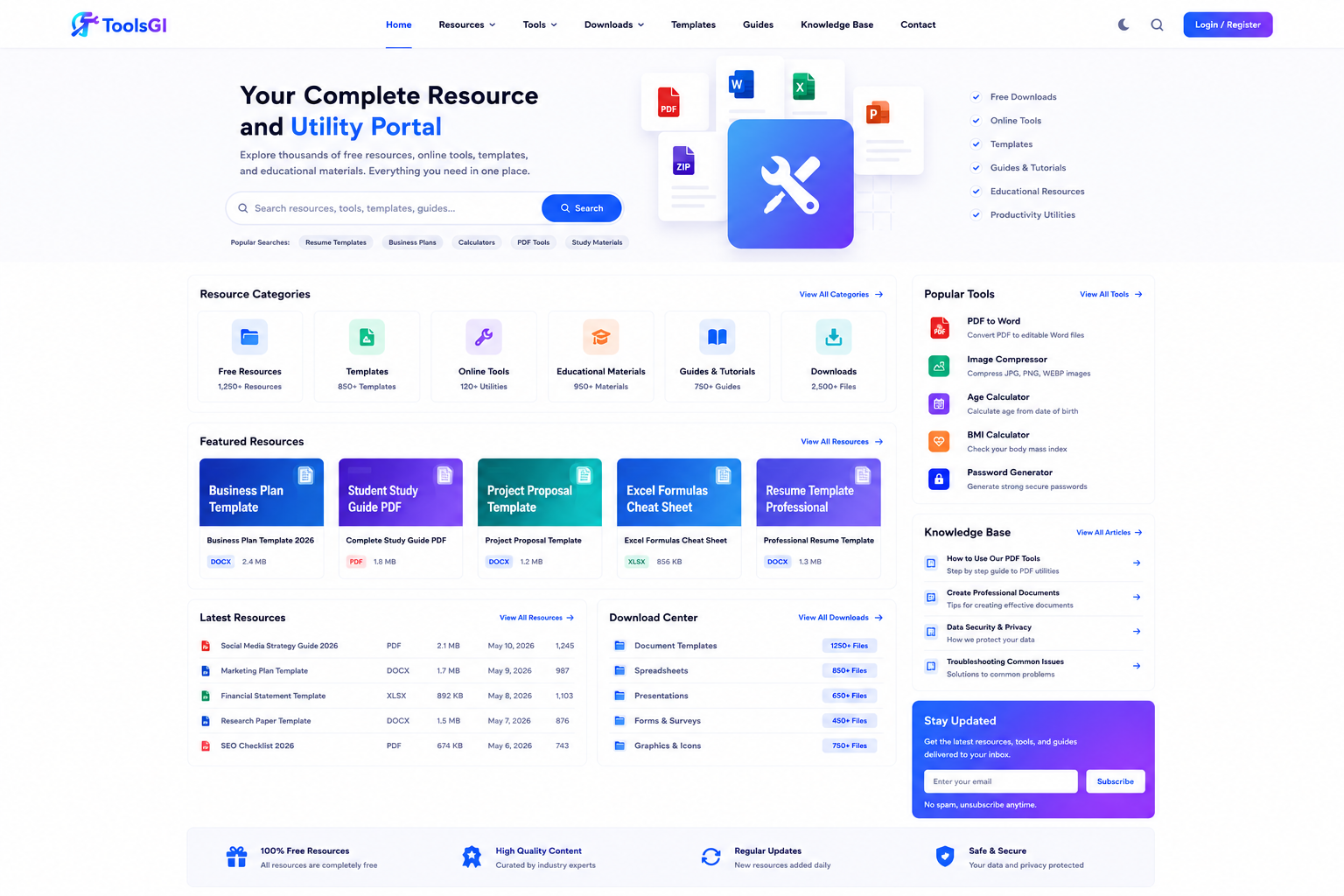
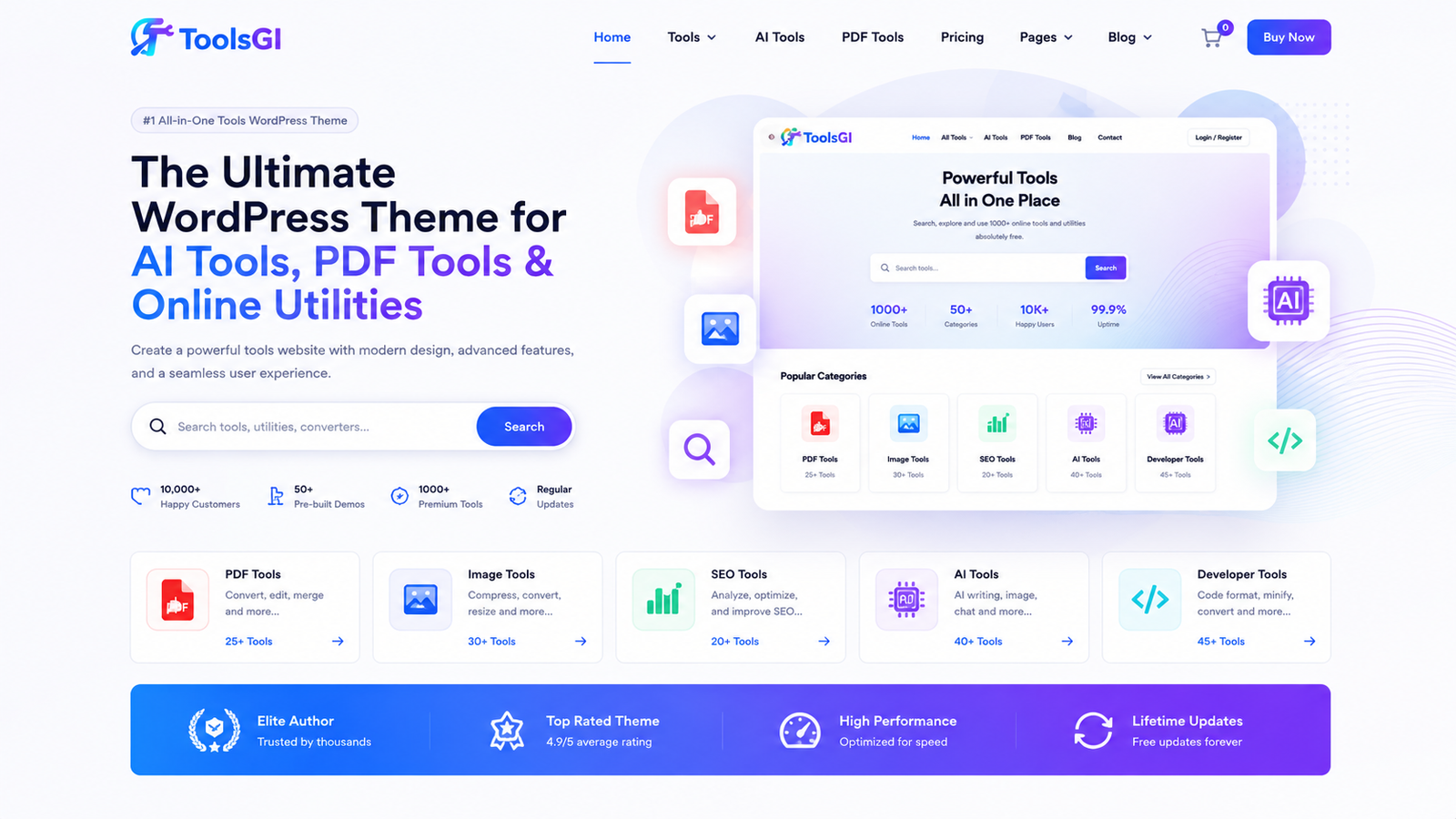
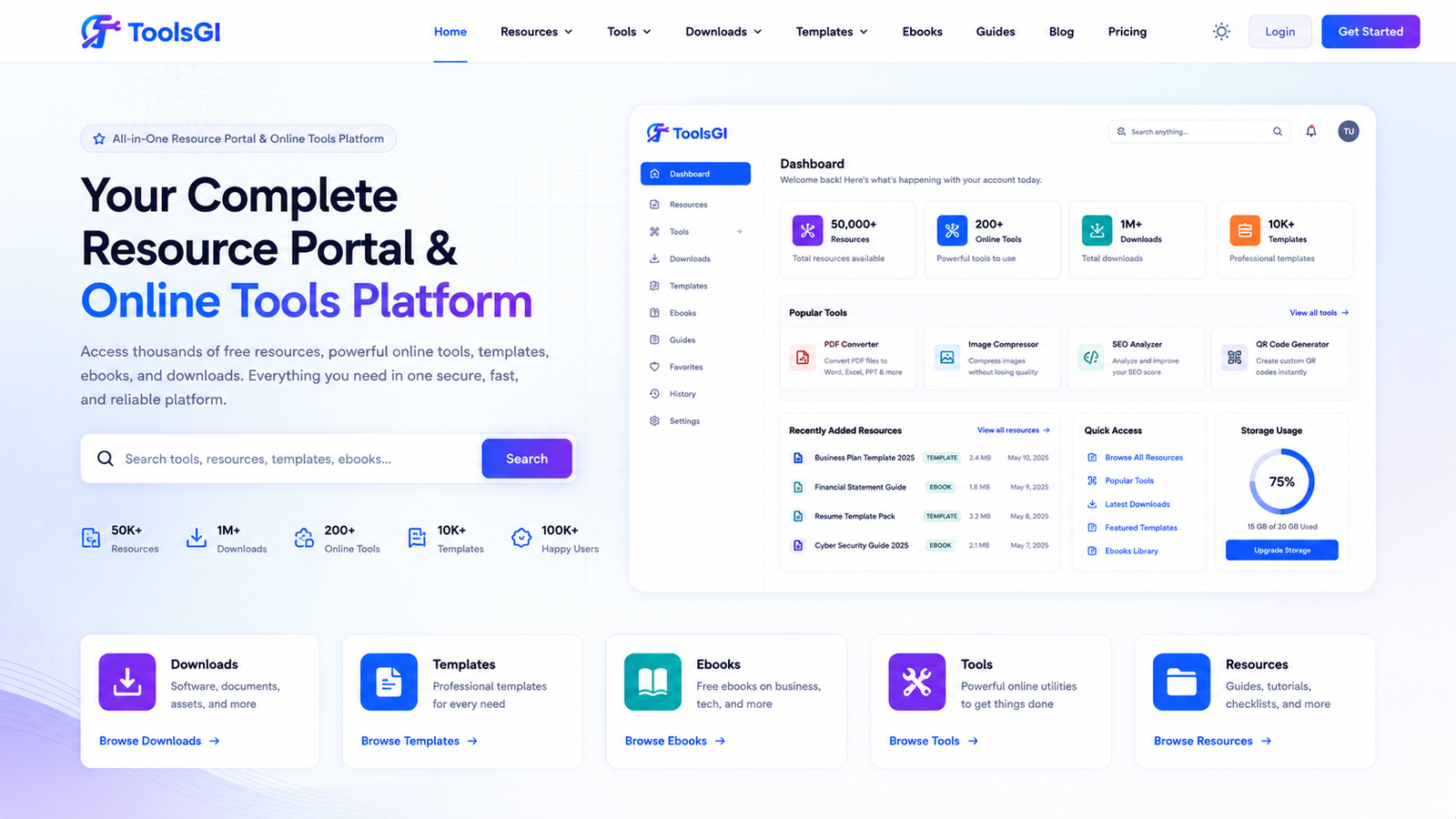
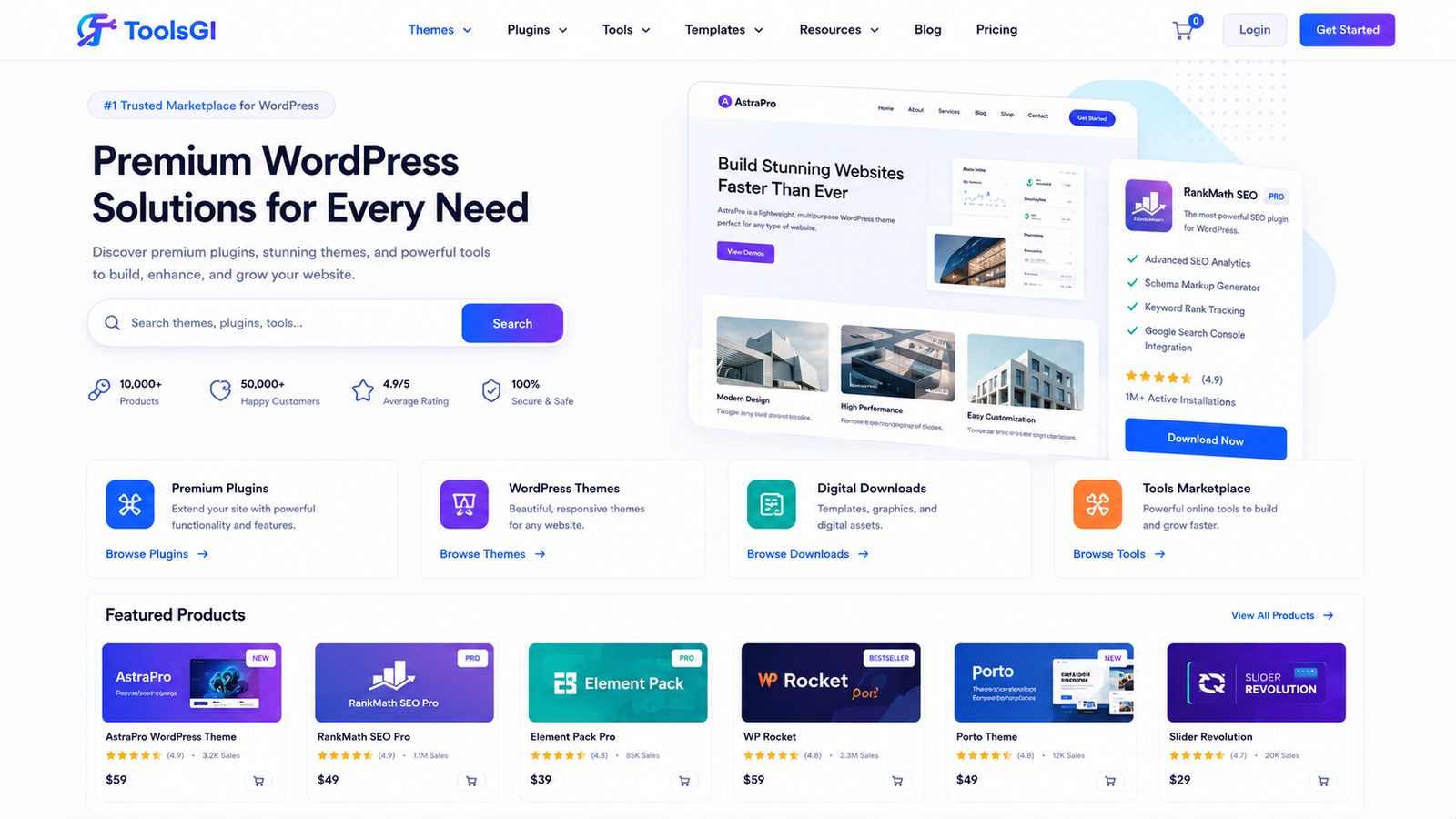
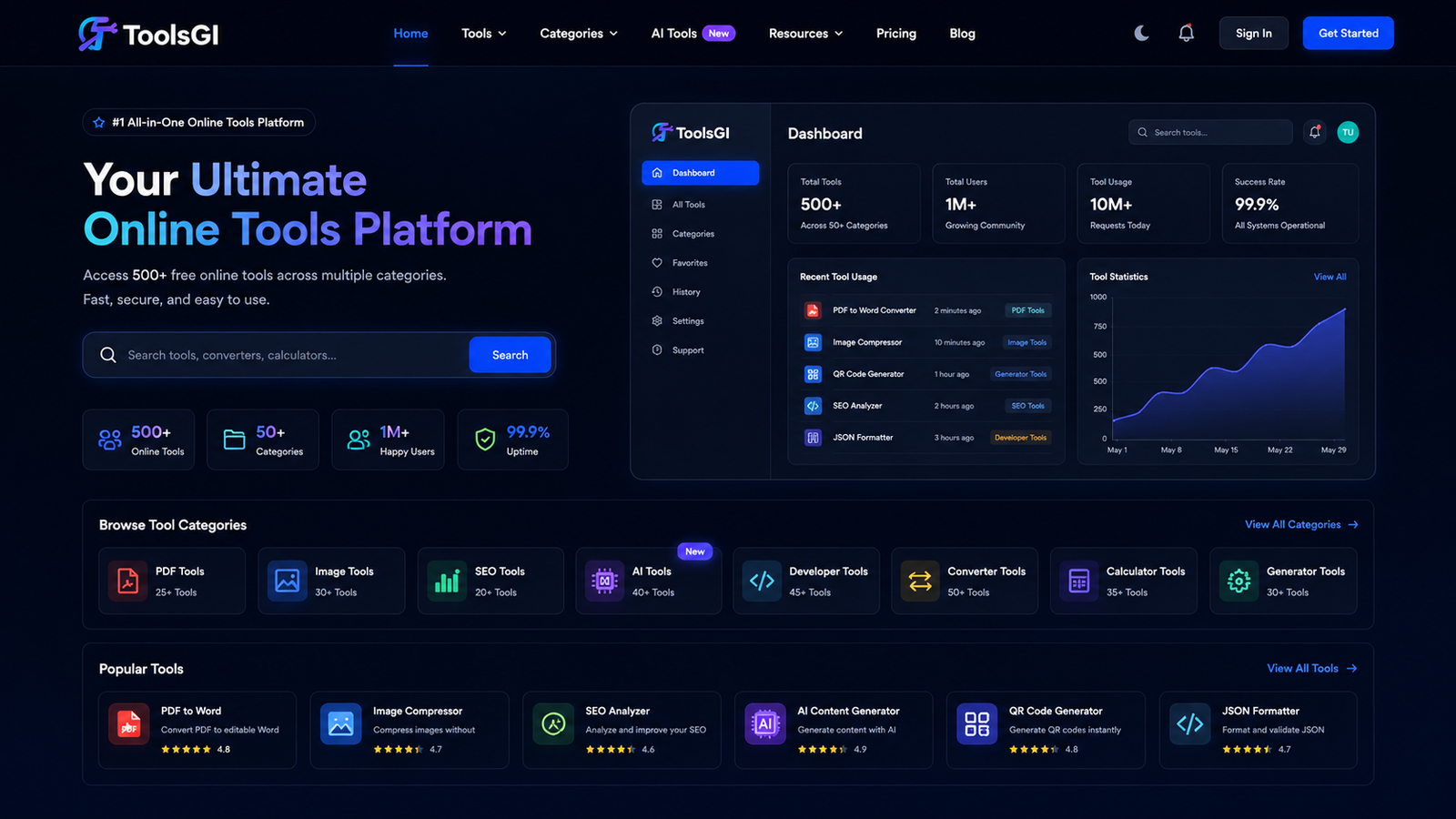
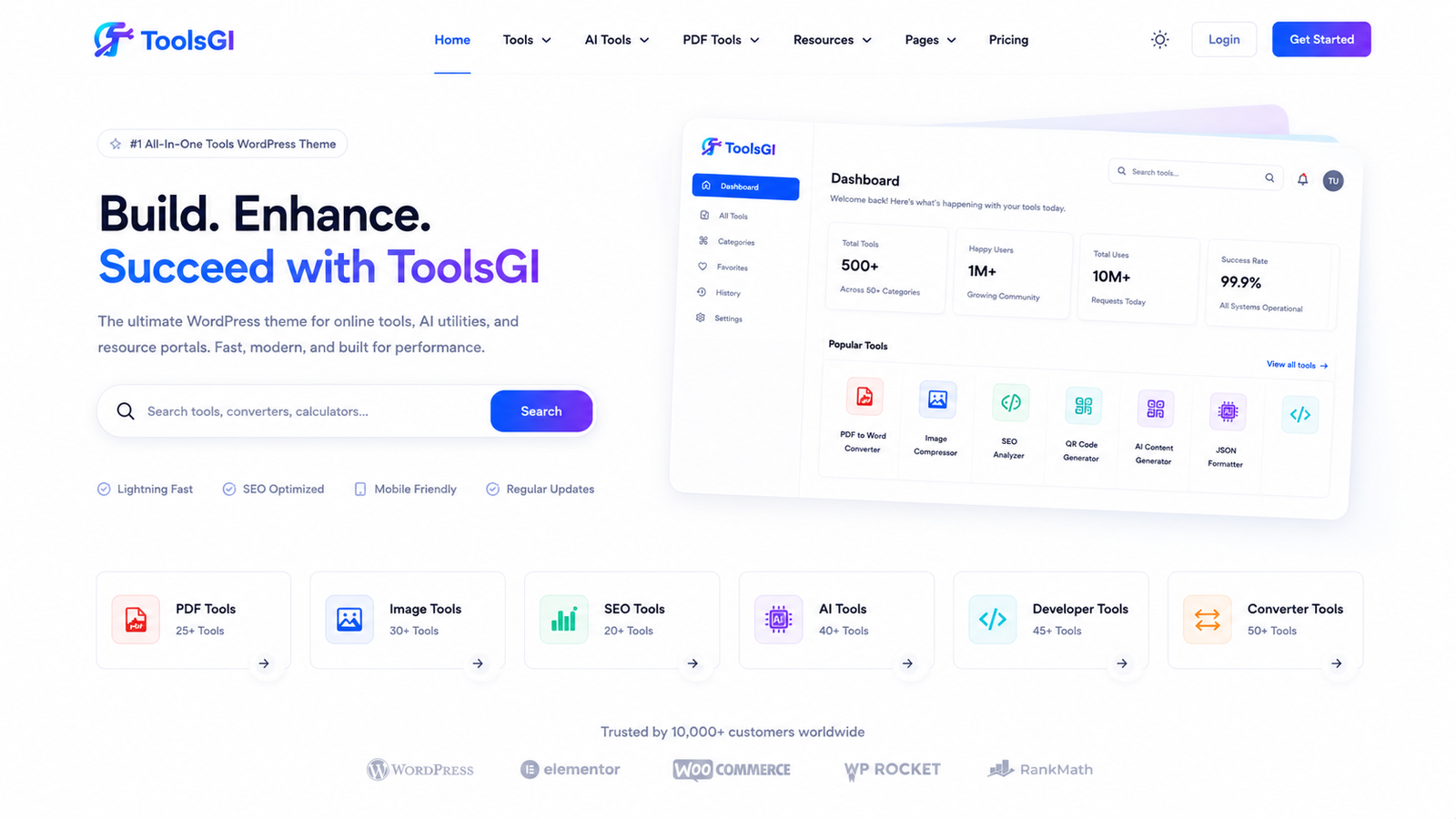
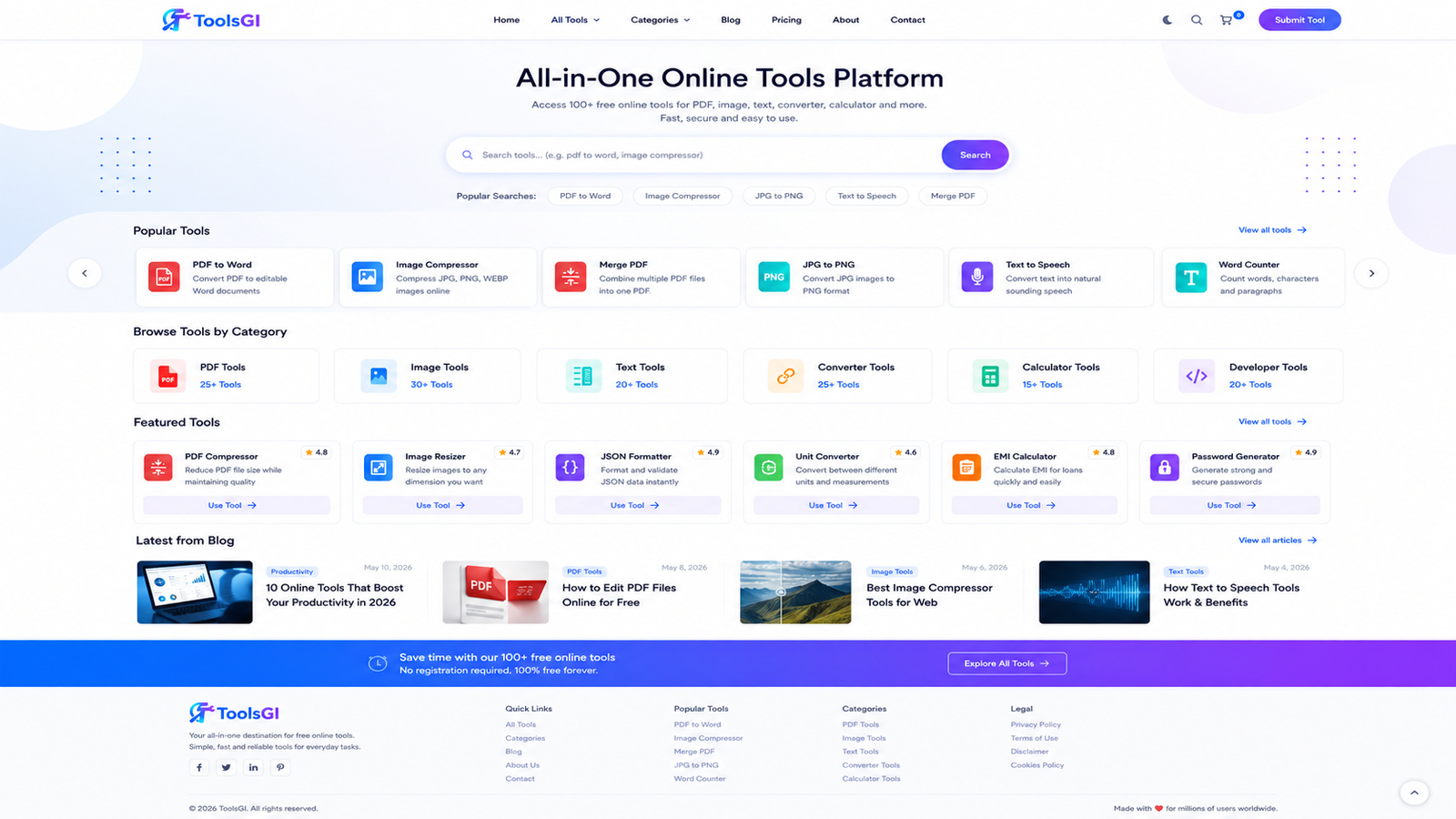
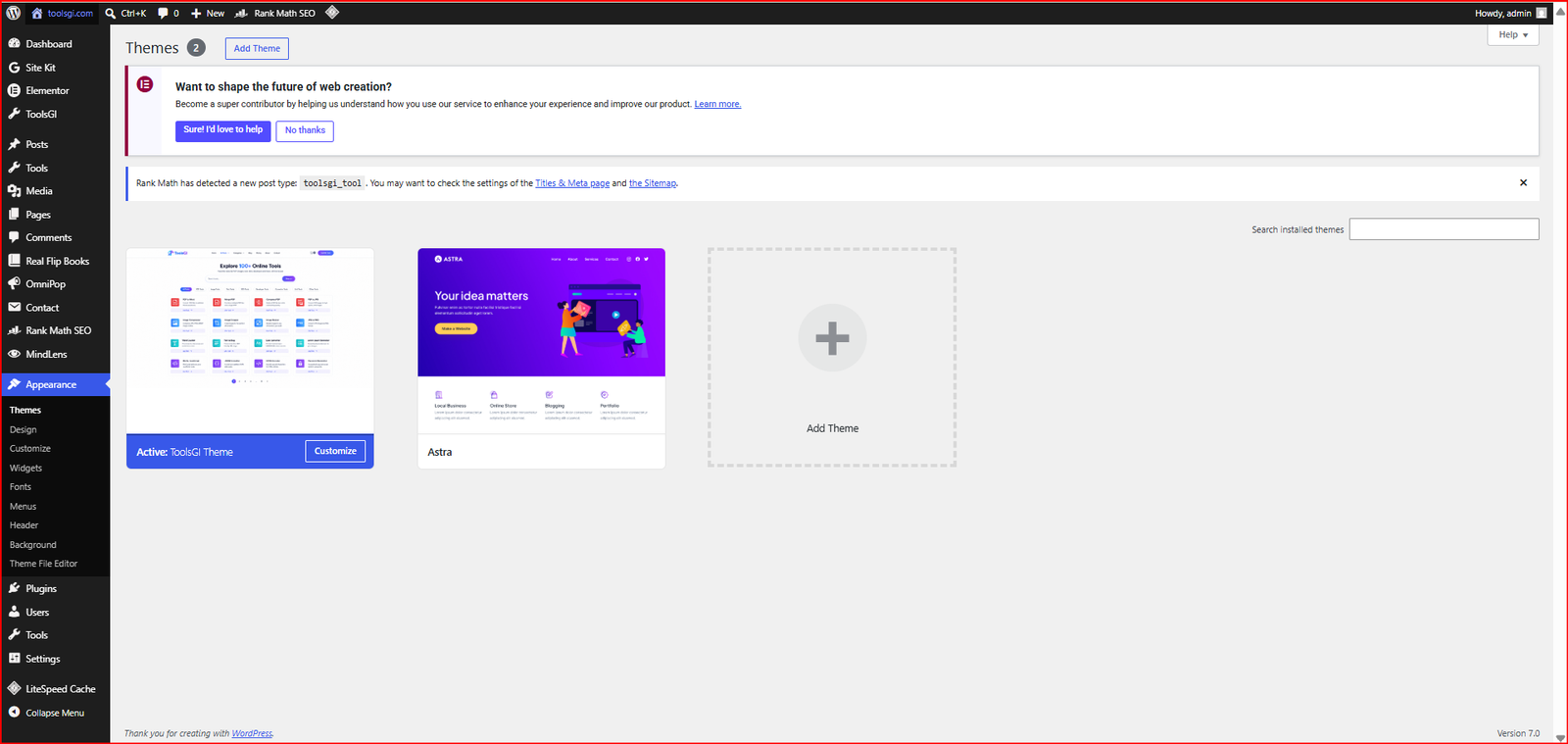
ToolsGI Theme provides a strong setup for creators who want one unified layout that can support tools, articles, ebooks, downloads, and guides without turning the homepage into clutter. It feels clean on mobile, flexible in the admin area, and ready for serious content growth. For official purchase, this original product should be bought only from toolsgi.com or toolsell.online.
Why this theme fits a serious tools brand
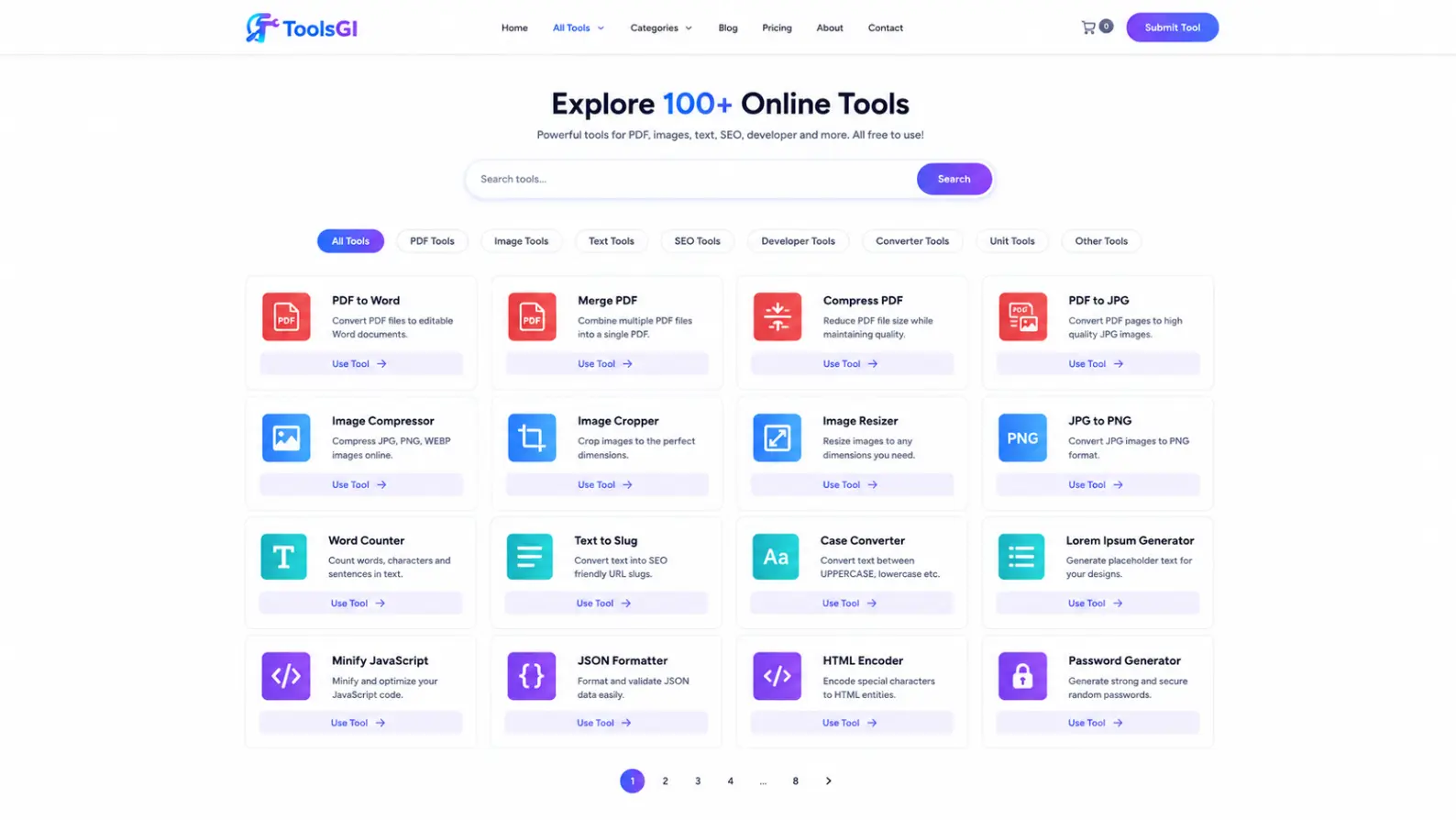
This theme is made for structure, not noise. Your notes show a custom post type for tools, a taxonomy for tool categories, and tool cards that support icons, titles, descriptions, buttons, button colors, custom URLs, page links, post links, shortcodes, same-tab open, new-tab open, and popup mode. That means one card can send a visitor to a tool page, open a utility in a new tab, or launch a popup without breaking the page flow.
Let me explain this with an example. Imagine you are building a PDF tools website. One card can open compression in a new tab, one card can open a converter in a popup, and one card can take the user to a full detail page. The visitor still sees the same clean structure, so the site feels easy even when the content is large.
This is also a strong wordpress theme for blogger tools website because the blog area is part of the same layout system. It works as a theme for developer tools and web tools site because the card actions can be mapped to code utilities, web utilities, and live tool pages. It can also serve as a theme for educational tools and productivity website, and even a wordpress theme for ebook store and digital library, because the content can mix tools, posts, resources, and downloads without visual conflict.
How the tool card flow works
The card system is one of the strongest parts of the build. The notes mention hover animation, ripple animation, bubble animation, AJAX actions, modern card design, and admin controls for size, columns, spacing, border radius, shadows, and colors. In simple words, the theme is not just a skin. It gives the developer control over how each card looks and behaves, so the same layout can work for a productivity tools theme, a digital marketing tools theme, a blog and tools theme, or a niche website theme without looking copied or generic.
For example, imagine a visitor on mobile. They tap a card once and get a clear action. It may open a popup, go to a tool page, or launch a new tab. The page still feels light because the design uses rounded cards, soft shadows, colorful accents, and a mobile first responsive structure. That is better than a slow theme that hides the content under heavy sliders and confusing effects.
Why the design feels premium without becoming heavy
Your notes describe a modern, futuristic, colorful, clean visual system with a white or light base, soft shadows, gradients, dark mode, and light mode support. The theme also supports Inter, Poppins, Montserrat, Raleway, Open Sans, Nunito, Lato, Roboto, Playfair Display, and custom fonts. That gives site owners enough flexibility to match a blog and tools theme, a magazine style tools theme, or a resource hub wordpress theme without needing a redesign later.
The useful part here is balance. A lot of themes look attractive in screenshots but become hard to read on real pages. This build is meant to stay clear on phones, tablets, and desktop screens, while keeping the content in a clean UI theme style. If you run an ebook store and digital library, a software showcase site, or a startup landing page, that clean structure matters because users reach the content faster.
Example 2: a content-heavy homepage
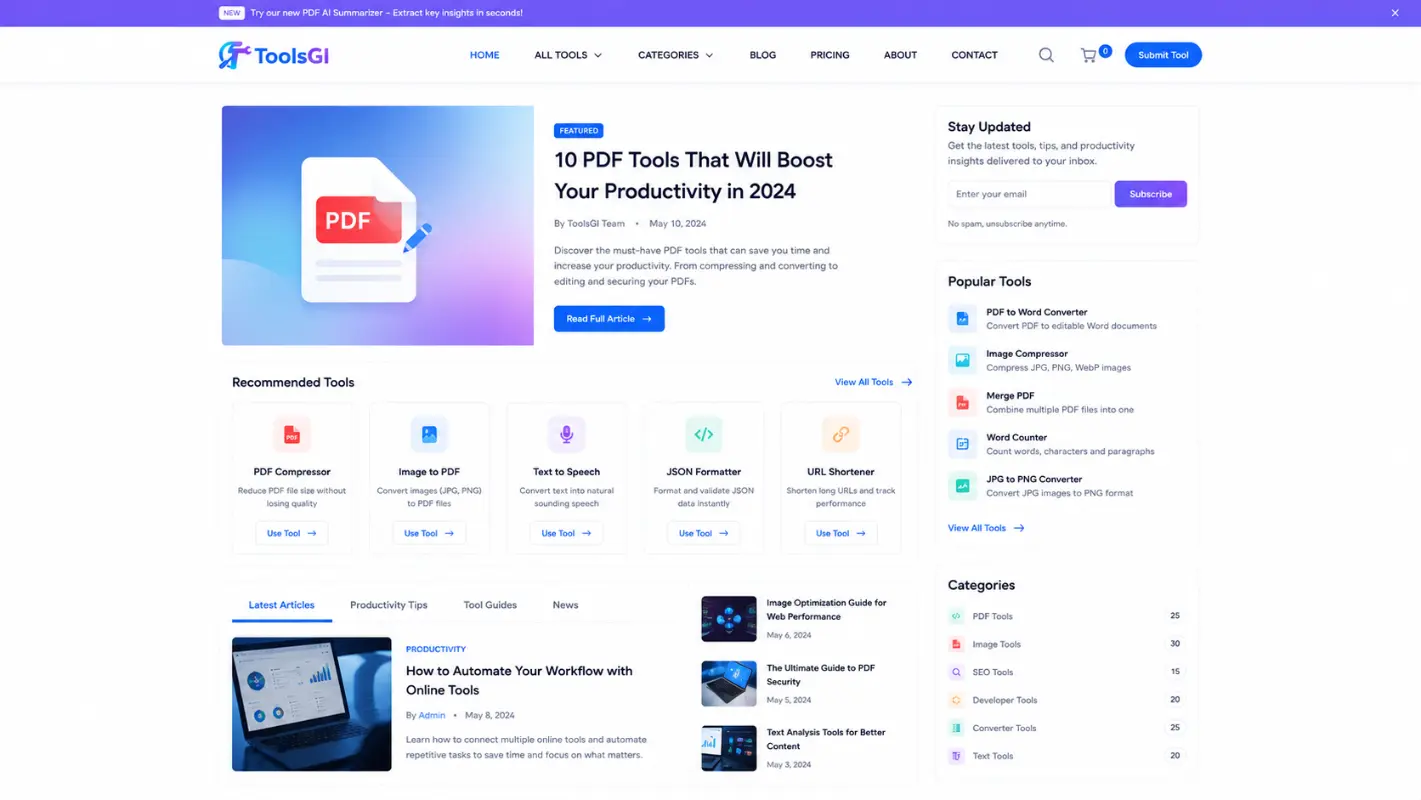
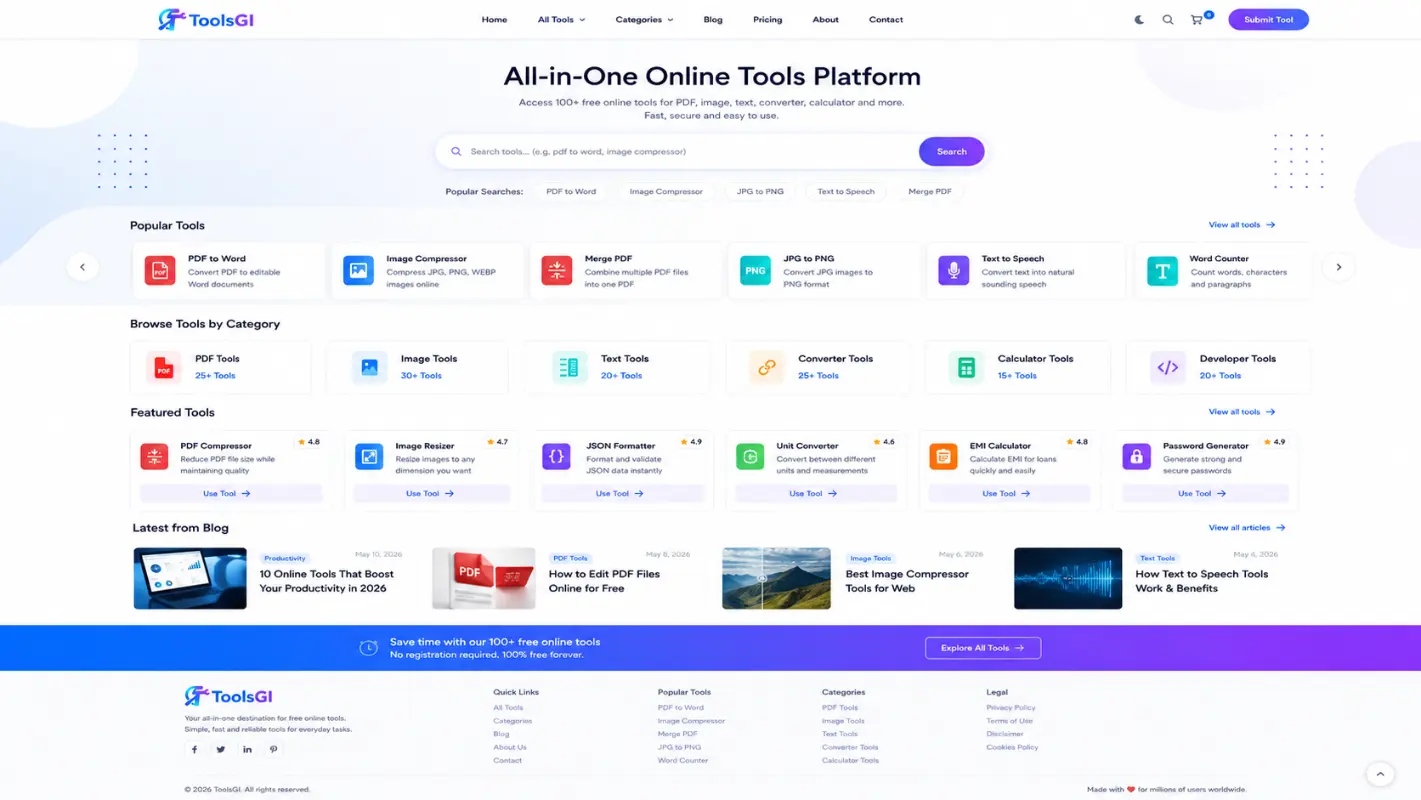
Imagine a site that publishes tools, articles, ebooks, and resources together. The homepage can show hero, categories, tools grid, blog, featured, donation, trust, stats, and newsletter sections, and the admin can hide or show them as needed. The notes also say hidden sections remain SEO indexable, which is useful when you want to keep a section out of view on the homepage but still preserve the content for search engines.
That is why this is not only a productivity tools theme. It can also behave like a blog and magazine style tools theme, a theme for educational tools and productivity website, or a wordpress theme for ebook store and digital library, depending on how the homepage is arranged.
Standard theme versus ToolsGI Theme
| Standard Slow Theme | ToolsGI Theme |
|---|---|
| Generic page layout | Purpose-built for tools, blogs, resources, ebooks, and utility sites |
| One design for every content type | Separate support for tools, cards, homepage sections, analytics, backup, security, and SEO |
| Limited card actions | Open new tab tool, popup mode, custom url tool card, shortcode support, and AJAX actions |
| Basic search and content flow | Better tool discovery with dedicated tool cards and tool categories |
| Weak SEO structure | Schema ready theme planning, clean heading structure, Open Graph, Twitter Cards, and plugin compatibility notes |
| Difficult growth path | Built for long-term content growth with dashboard controls and modular architecture |
The notes show 14 admin sections and 10 homepage sections, which is a big reason this setup feels more serious than a standard theme. It is built to manage real content, real utility pages, and real business needs instead of just looking nice in a demo.
Trust, purchase, and support
The build notes show a locked original footer credit, admin-added custom credit above it, a dedicated theme dashboard, and support for donations through UPI, PhonePe, Google Pay, Razorpay, PayPal, Stripe, QR codes, custom URLs, and custom buttons. That is useful for creators who want a commercial theme that still keeps brand identity intact.
Complete SEO Structure Built for Long-Term Growth
Many buyers search for a theme today and then discover six months later that the structure creates SEO problems. That is where ToolsGI Theme takes a different approach. The project notes clearly mention compatibility with Rank Math, Yoast SEO, and All In One SEO, while also including Schema support, Open Graph support, Twitter Cards, canonical URL support, sitemap compatibility, and a clean heading structure.
For a website owner, this means you are not forced to rebuild your site later because of poor architecture. ToolsGI Theme is designed so that content, tools, categories, blogs, downloads, and resources can work together in a search-friendly structure.
The phrase seo friendly theme is important because search engines prefer websites that load quickly, use logical content organization, and avoid unnecessary clutter. The documented architecture focuses on performance, accessibility, clean templates, and structured content. That combination helps create stronger foundations for organic visibility.
The term schema ready theme matters because structured data helps search engines understand the purpose of your pages. Whether you publish articles, tools, downloadable resources, or educational content, structured markup can improve how your content is interpreted.
Let me explain this with an example.
Imagine you publish a PDF converter, a PDF merger, and a PDF compressor. Alongside those tools, you publish tutorials explaining how each tool works. Search engines can understand both the tool pages and the educational content more effectively when the website architecture follows proper SEO practices.
That is one reason many users searching for a wordpress theme for pdf tools or a theme for online utility website prefer a structure that combines tools and content in the same ecosystem instead of separating everything into disconnected pages.
Why Fast Loading Matters
The project documentation repeatedly highlights fast loading architecture, modular assets, responsive layouts, and performance-oriented development practices.
A fast loading theme improves three important areas:
• User experience
• Search visibility
• Conversion rates
When visitors open a website and see results immediately, they are more likely to continue browsing.
For example, imagine a visitor arrives from Google looking for a PDF compression tool. If the page loads quickly and presents a clear tool card design, the user can start interacting immediately.
If the same page loads slowly, many visitors leave before the content appears.
This is why the keyword fast theme for converter website is important. Speed is not only about technical performance. It directly affects visitor retention and revenue opportunities.
The responsive tools layout system also helps because users increasingly browse from mobile devices. A responsive design prevents layout breaks and improves usability across different screen sizes.
Dedicated Theme Dashboard for Real Control
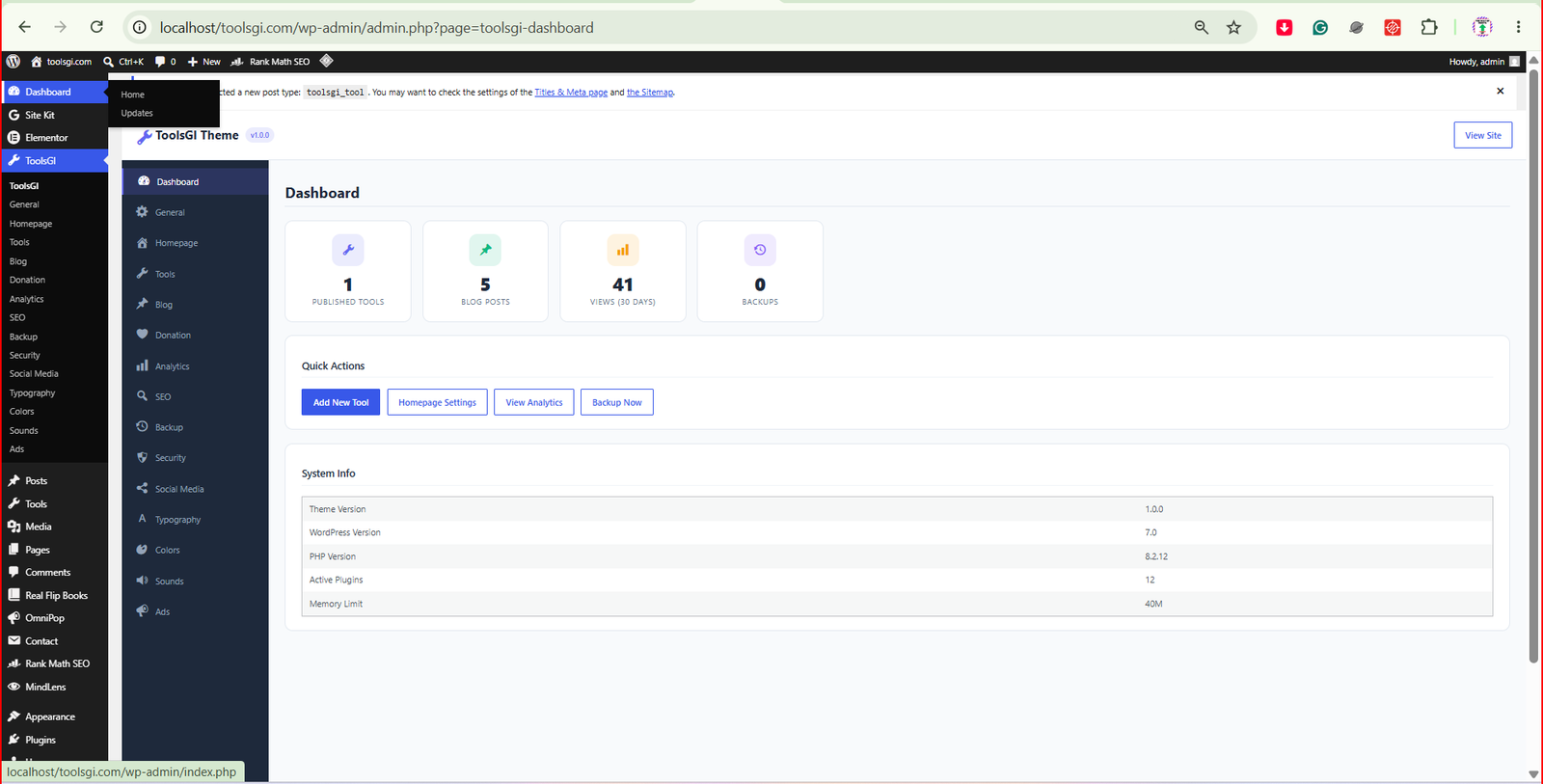
A major strength of ToolsGI Theme is the dedicated dashboard architecture. The documentation includes dedicated management areas for General, Homepage, Tools, Blog, Donation, Analytics, SEO, Backup, Security, Social Media, Typography, Colors, Sounds, and Ads.
Instead of editing code every time a change is required, administrators can control large portions of the website through organized settings.
ToolsGI Theme allows management of:
• Logo
• Favicon
• Homepage sections
• Tool cards
• Fonts
• Colors
• Social profiles
• Advertisement placements
• Donation methods
• Analytics settings
• Backup controls
This flexibility makes ToolsGI Theme useful for both beginners and advanced users.
A blogger may only use content sections and tools.
A business owner may focus on lead generation.
A developer may use advanced tool cards and custom URLs.
All three can work inside the same framework.
Understanding Tool Popup Features
One of the most practical keywords associated with this project is tool popup.
Many utility websites force visitors to leave the page whenever they interact with a tool.
The documented architecture includes popup support directly inside the tools system.
For example, imagine you operate:
• Text utilities
• SEO utilities
• Calculator utilities
• Productivity utilities
Instead of redirecting visitors repeatedly, selected tools can appear inside a popup experience.
This helps maintain engagement and reduces navigation friction.
The same applies to the open new tab tool feature.
Sometimes you want users to remain on the homepage while opening the tool separately.
Other times you want the tool to open within the current page flow.
The theme provides flexibility for both approaches.
Custom URL Tool Cards Explained
The custom url tool card feature is especially valuable for website owners who manage external tools, SaaS platforms, affiliate resources, educational content, or downloadable assets.
For example, imagine you own:
• An AI resource hub
• A developer resource portal
• A digital marketing resource directory
Some tools may exist on your own website.
Some may exist on external platforms.
The custom URL system allows cards to connect to both.
This is one reason ToolsGI Theme works well as a tools directory theme wordpress solution.
Instead of building separate sections manually, the card system becomes the central navigation framework.
Design Keywords Explained Properly
Many buyers see keywords without understanding what they actually mean.
Here is how they apply to this project.
Colorful WordPress Theme
The documentation specifies a light base combined with colorful accents, gradients, modern visual hierarchy, and smooth animations.
This creates a visually appealing interface without overwhelming visitors.
Futuristic WordPress Design
The architecture references modern animations, gradients, particle effects, hover interactions, and contemporary card layouts. These elements contribute to a futuristic wordpress design while maintaining usability.
Clean UI Theme
A clean ui theme focuses on readability and navigation clarity.
Visitors should immediately understand:
• What the tool does
• Where to click
• What action happens next
The documented card system and homepage structure support that objective.
Modern Card Design
Cards are the foundation of many utility websites.
The project specifically includes hover effects, ripple effects, bubble effects, spacing controls, border-radius controls, and shadow controls.
That level of control helps site owners create a more professional presentation.
Best Use Cases
ToolsGI Theme can be adapted for many business models.
Popular examples include:
• PDF tools websites
• Converter websites
• Utility websites
• AI tools websites
• Educational websites
• Digital marketing websites
• SEO resources websites
• Ebook libraries
• Software showcase websites
• Resource portals
• Download portals
• Magazine style content hubs
This flexibility is why many users search for:
• best theme for tools website
• tools site wordpress design
• modern theme for digital tools
• resource hub wordpress theme
• download portal wordpress theme
• theme for ebook and pdf website
• theme for software showcase site
• theme for startup landing page
• theme for blog and magazine site
• theme for business and portfolio site
The architecture supports all of these directions because it combines tools, content, categories, resources, and visual customization inside a single framework.
Official Purchase Information
To protect buyers from modified copies, outdated versions, or unauthorized distributions, this original product can only be officially purchased from toolsgi.com or toolsell.online.
Always verify the source before purchasing.
Official sources help ensure you receive the correct files, updates, and project support.
Built-In Analytics System Explained
Most theme buyers focus only on appearance and forget about data.
The project documentation shows that ToolsGI Theme includes a dedicated analytics architecture designed to track meaningful visitor activity. The system is planned to monitor page views, unique visitors, tool clicks, button clicks, visitor flow, browser information, operating systems, devices, countries, states, referrers, and time on page. It also includes dashboard charts, date filtering, Excel exports, and PDF exports.
Why does this matter?
Imagine you operate:
• A PDF tools website
• A converter website
• An SEO tools portal
• A productivity website
You need to know:
• Which tools receive the most traffic
• Which pages generate the most engagement
• Which countries send the most visitors
• Which tools deserve future development
Without analytics, decisions become guesswork.
With structured analytics, decisions become measurable.
Let me explain this with an example.
Suppose your PDF Compressor receives 10,000 monthly visits while your PDF Merger receives only 1,500.
The data immediately shows where visitors are spending their time.
That information can guide content creation, marketing efforts, and future tool expansion.
Backup Architecture for Business Safety
One of the most overlooked parts of a website is backup protection.
Many website owners only think about backups after a problem happens.
The documentation for ToolsGI Theme includes support for:
• Local backups
• ZIP exports
• Scheduled backups
• Backup restoration
• Backup logs
• Google Drive architecture
• Dropbox architecture
• MEGA architecture
• OneDrive-ready architecture
• Proton Drive-ready architecture
• Icedrive-ready architecture
This matters because tools websites often contain:
• Hundreds of tools
• Thousands of articles
• Large resource libraries
• User-generated content
Losing that data can be extremely expensive.
A planned backup framework helps reduce that risk.
Security Features Made Simple
Security can sound complicated, but the goal is simple.
Protect the website.
Protect visitors.
Protect data.
The project documentation lists:
• Nonce validation
• Capability checks
• Prepared queries
• Data sanitization
• Output escaping
• Secure AJAX handling
• XSS protection
• CSRF protection
• Upload validation
• Login protection
• Security logs
• XMLRPC controls
• Bot protection
For non-technical users, these features help reduce common WordPress security risks.
For developers, these features provide a stronger foundation when building larger projects.
This is particularly important for websites that process user actions frequently, such as utility tools websites and productivity platforms.
Why Security Matters for Tools Websites
For example, imagine a website that offers:
• Text tools
• PDF tools
• SEO utilities
• Developer utilities
Visitors interact with forms, buttons, and tool interfaces every day.
If security practices are weak, attackers may attempt to abuse those interactions.
The documented security architecture helps reduce those risks by encouraging proper validation, sanitization, and permission controls.
That makes the platform more trustworthy for long-term operation.
Donation System for Community Projects
Not every tools website relies on advertisements.
Many creators support their projects through donations.
The documentation includes support for:
• UPI
• PhonePe
• Google Pay
• Razorpay
• PayPal
• Stripe
• QR codes
• Custom buttons
• Custom URLs
This flexibility allows creators to choose the donation methods that fit their audience.
For example:
An Indian audience may prefer UPI.
An international audience may prefer PayPal or Stripe.
A nonprofit project may prefer QR code donations.
The theme architecture supports all of these approaches.
Plugin Compatibility Explained
A theme becomes much more valuable when it works alongside popular WordPress plugins.
According to the project notes, compatibility planning includes:
• WooCommerce
• Elementor
• Contact Form 7
• WPForms
• LiteSpeed Cache
• W3 Total Cache
• WP Super Cache
• Wordfence
• Sucuri
This means website owners can expand functionality without rebuilding the entire site.
WooCommerce compatibility is especially useful for:
• Ebook stores
• Digital downloads
• Software products
• Resource memberships
Elementor compatibility is useful for users who want visual page editing.
Cache plugin compatibility is useful for improving loading speed.
Security plugin compatibility is useful for additional protection layers.
Complete Feature Highlights
Key strengths include:
• Dedicated tools custom post type
• Tool category taxonomy
• Tool popup functionality
• Open new tab tool support
• Custom URL support
• AJAX-ready interactions
• Modern card layouts
• Responsive tools layout
• Dark mode support
• Light mode support
• Color customization
• Typography customization
• Analytics architecture
• Backup architecture
• Security architecture
• SEO architecture
• Donation architecture
• WooCommerce compatibility
• Elementor compatibility
• Mobile-first design approach
• Accessibility-conscious structure
These capabilities make the project suitable for both growing websites and established brands.
Who Should Buy This Theme?
This product is suitable for:
• Bloggers building utility websites
• Developers creating online tool platforms
• SEO professionals publishing resources
• Digital marketers managing content hubs
• Educators creating productivity portals
• Businesses offering downloadable resources
• Entrepreneurs launching startup websites
• Publishers building resource libraries
If your project combines tools and content, this framework provides a structured foundation.
If your project focuses only on content, the blog and category systems still remain useful.
If your project focuses only on utilities, the tool card architecture becomes the primary advantage.
Final Buying Consideration
Many WordPress themes focus only on appearance.
Many utility themes focus only on tools.
Many blog themes focus only on content.
This project attempts to combine all three areas into a single framework.
The documented architecture includes tools management, homepage controls, analytics planning, backup planning, security planning, SEO compatibility, donation support, responsive layouts, modern cards, and plugin compatibility.
For website owners who want flexibility without switching themes repeatedly, that combination can provide significant value.
Always purchase the original version only from toolsgi.com or toolsell.online.
Reviews
There are no reviews yet.